
 Controls
DT-DS Cabinet Lighting Control System
DT-DS-SINGLE, DT-DS-DUAL, DT-DS-TOUCH, DT-DS-WAVE, DT-DS-MOTION, DT-DS-ADPT-3PIN-MALE, DT-DS-ACC-SPLT-6, DT-DS-ACC-EXT-2FT, DT-DS-ACC-PTAIL-2FT, DT-DS-ACC-FEMALE-2FT
One Adapter, Up to Six Cabinet Zones
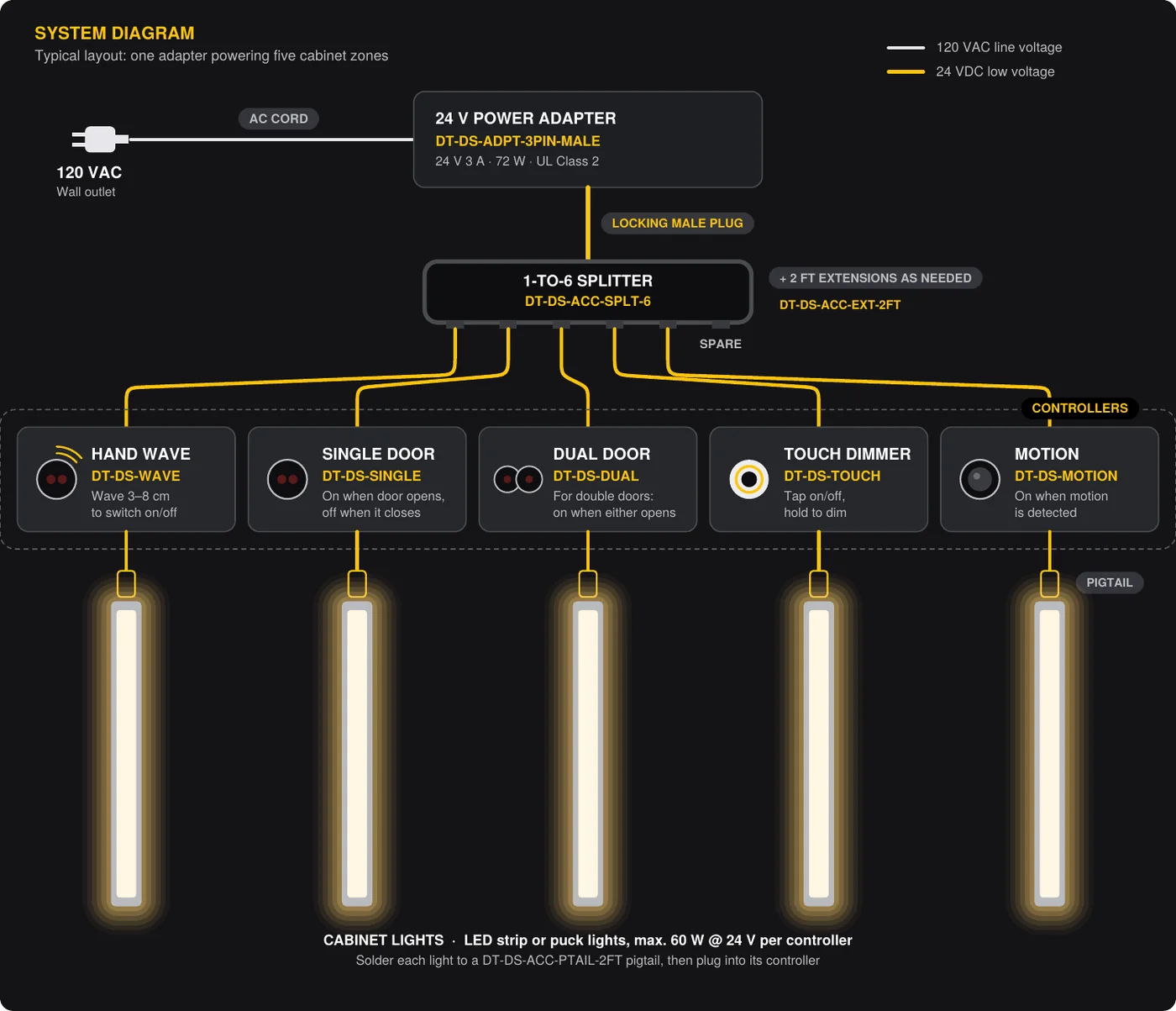
A plug-and-play control system for cabinet, closet and furniture lighting. One 24 V power adapter feeds a 1-to-6 splitter, and each output runs to a sensor or touch controller that switches its own light. Every part uses matching locking connectors, so no splicing is needed except to solder the pigtail to the light.

Five Ways to Switch the Light
All controllers: DC 12–24 V input, max. load 60 W @ 24 V, 36 W @ 12 V.
Single Door Sensor
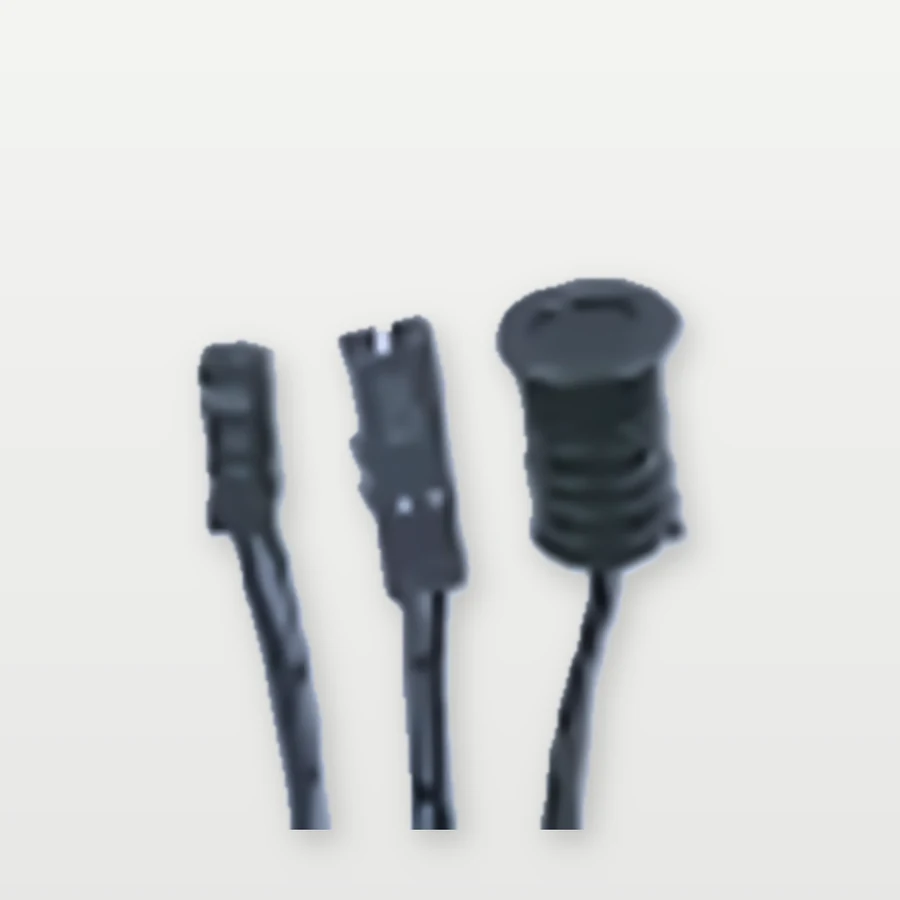
Infrared door sensor with in-line controller. Lights turn on when the door opens and off when it closes. Mount the sensor head in the cabinet frame facing the door.
Best for: cabinets with a single door
Dual Door Sensor
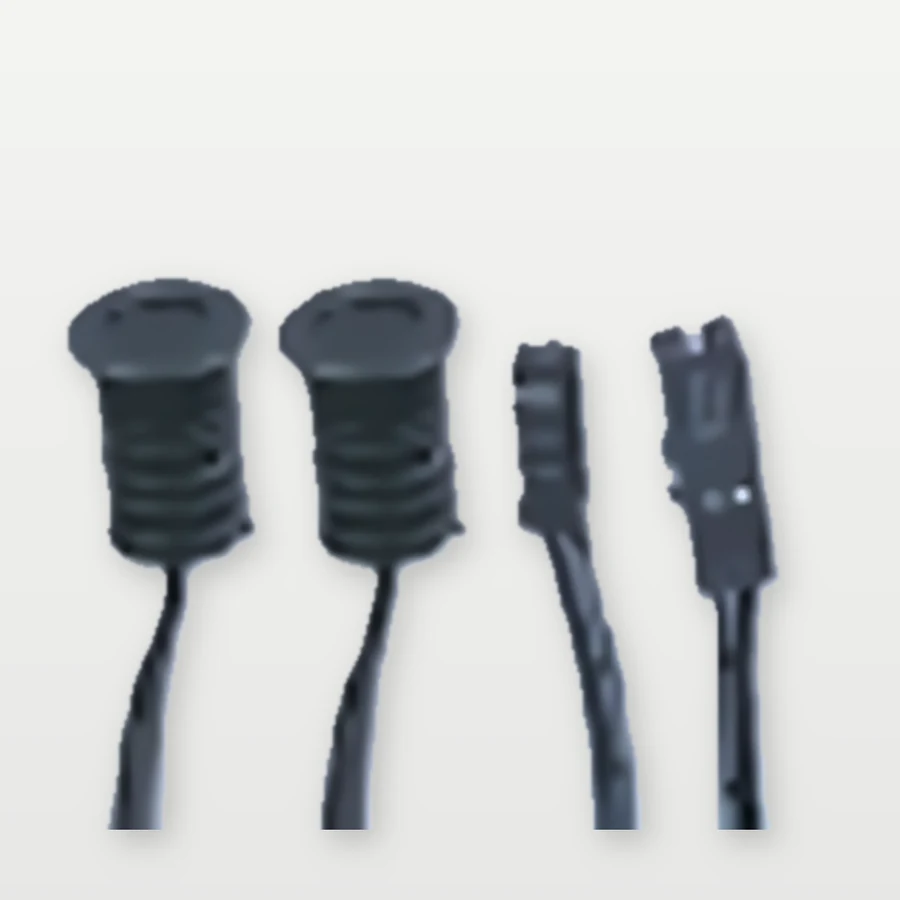
Two sensor heads on one controller for double-door cabinets. Lights turn on when either door opens and off once both are closed.
Best for: double-door cabinets and wardrobes
Touch Dimmer Switch
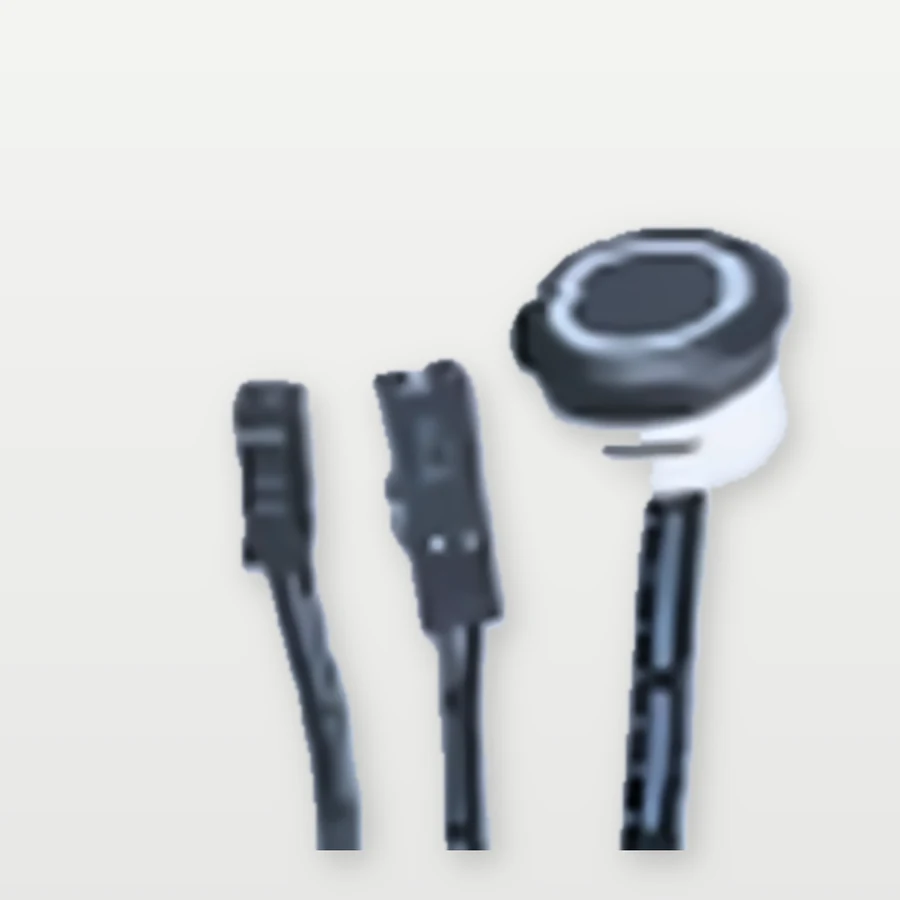
Capacitive touch switch with ring indicator. Tap to turn on or off; touch and hold to dim up or down.
Best for: open shelving, displays and bars
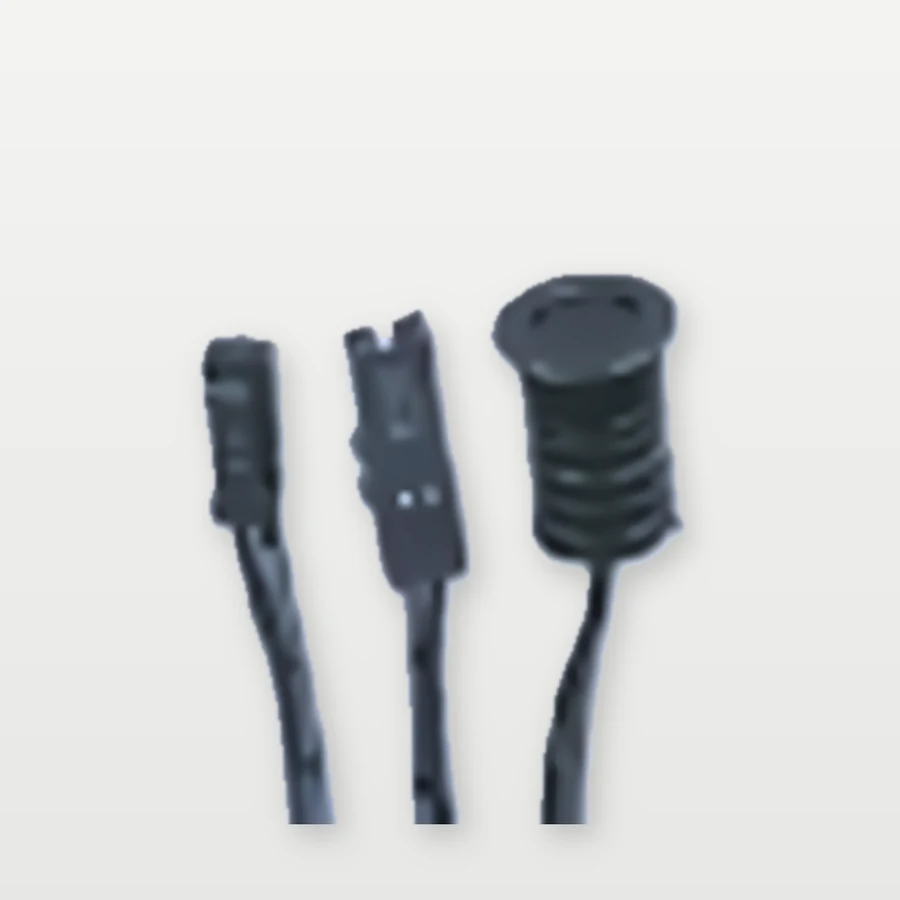
Hand Wave Sensor
Touch-free switch: wave a hand within 3–8 cm of the sensor to turn the lights on or off. Ideal for kitchens and vanities.
Best for: kitchens and vanities, hands-free
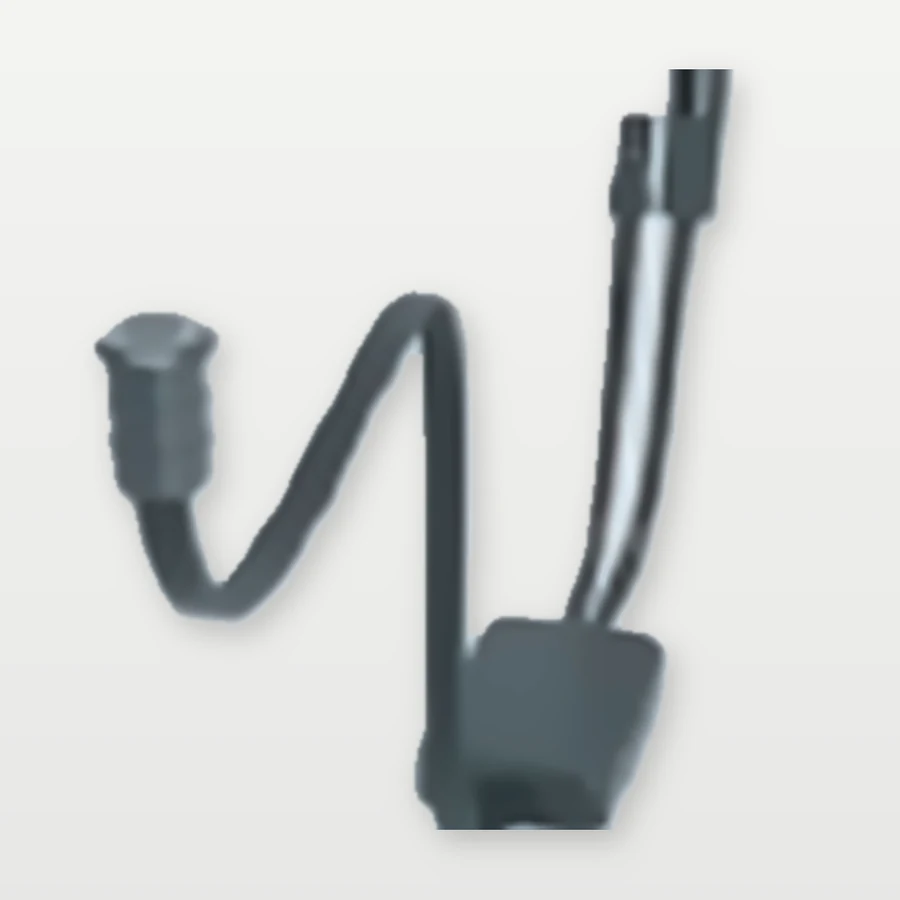
Motion Sensor
Detects body motion and turns lights on automatically, then off after no motion is detected. Ideal for closets, pantries and toe-kicks.
Best for: closets, pantries and walk-ins
Power and Connections
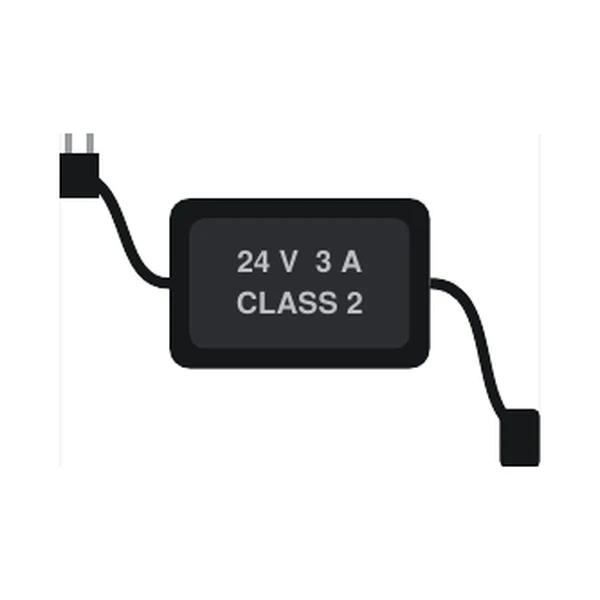
Power Adapter
24 V 3 A, UL listed Class 2, 3-pin plug with locking male connector.
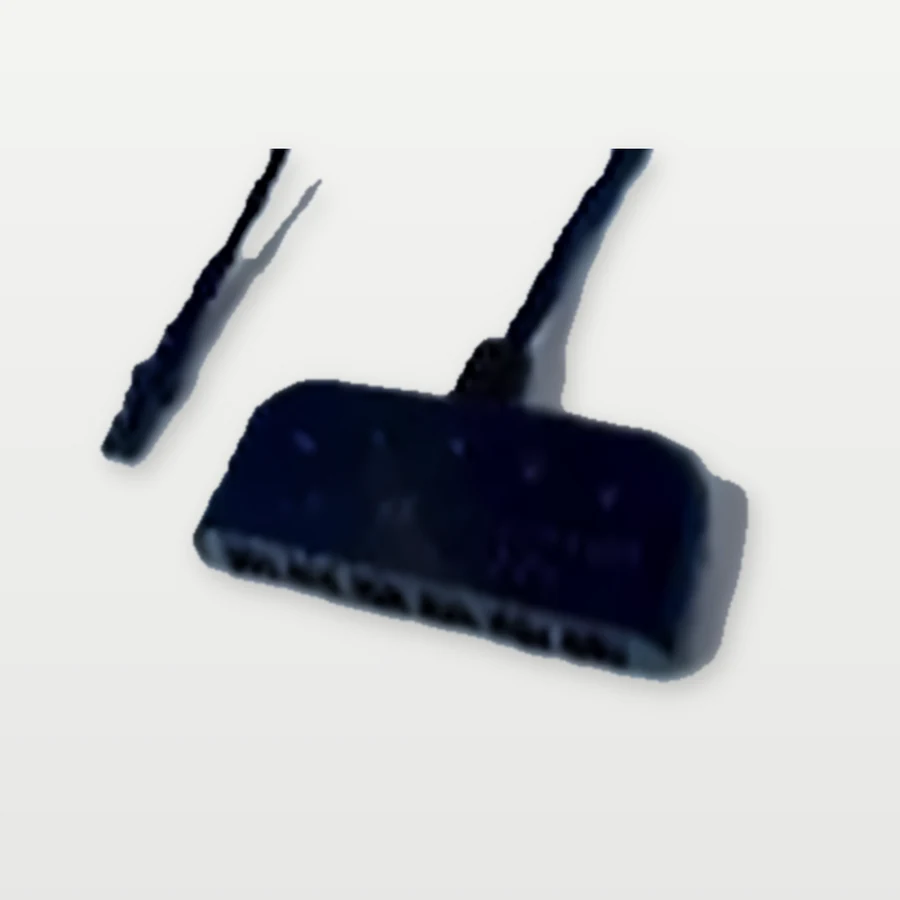
1-to-6 Splitter
Runs up to six controllers from one adapter.
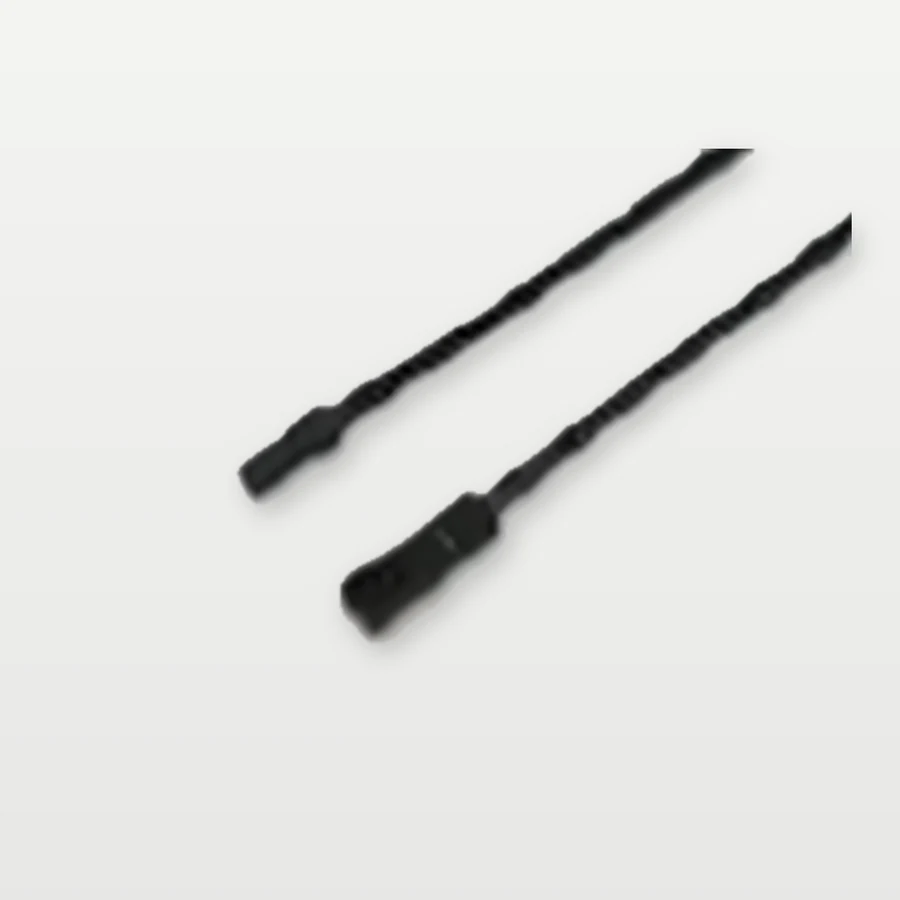
2 ft Extension
Extends any run by 2 ft, 22 AWG.
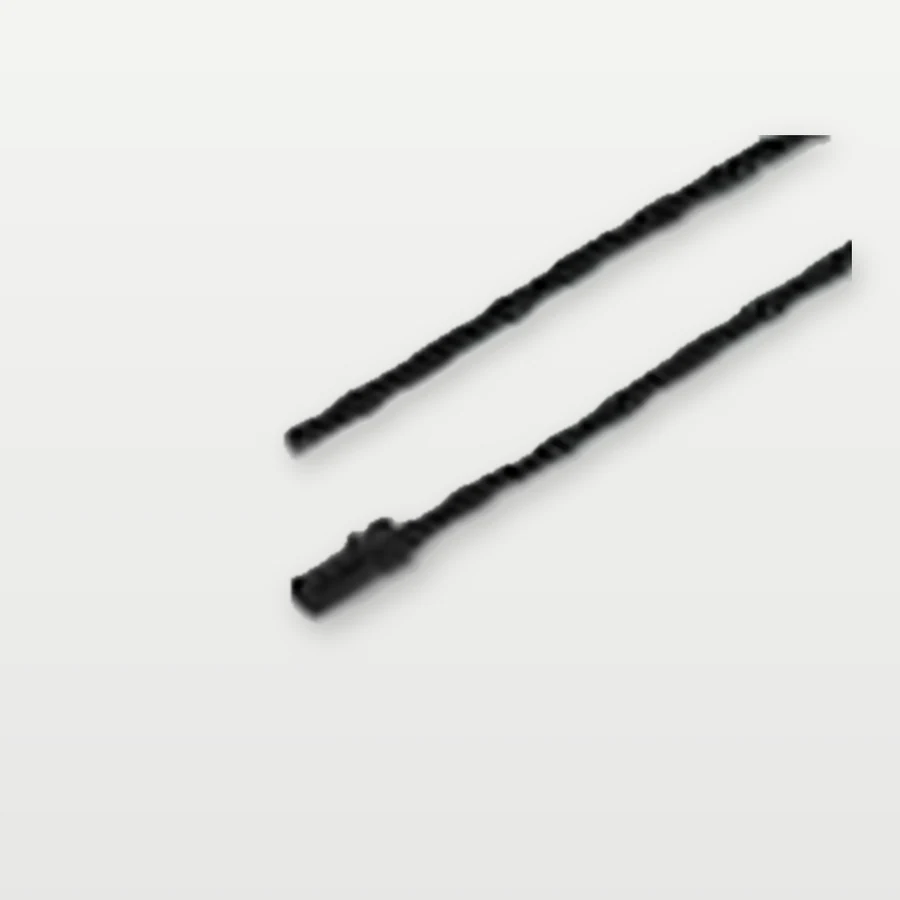
2 ft Pigtail
Solder to the light; plugs into the controller, 22 AWG.
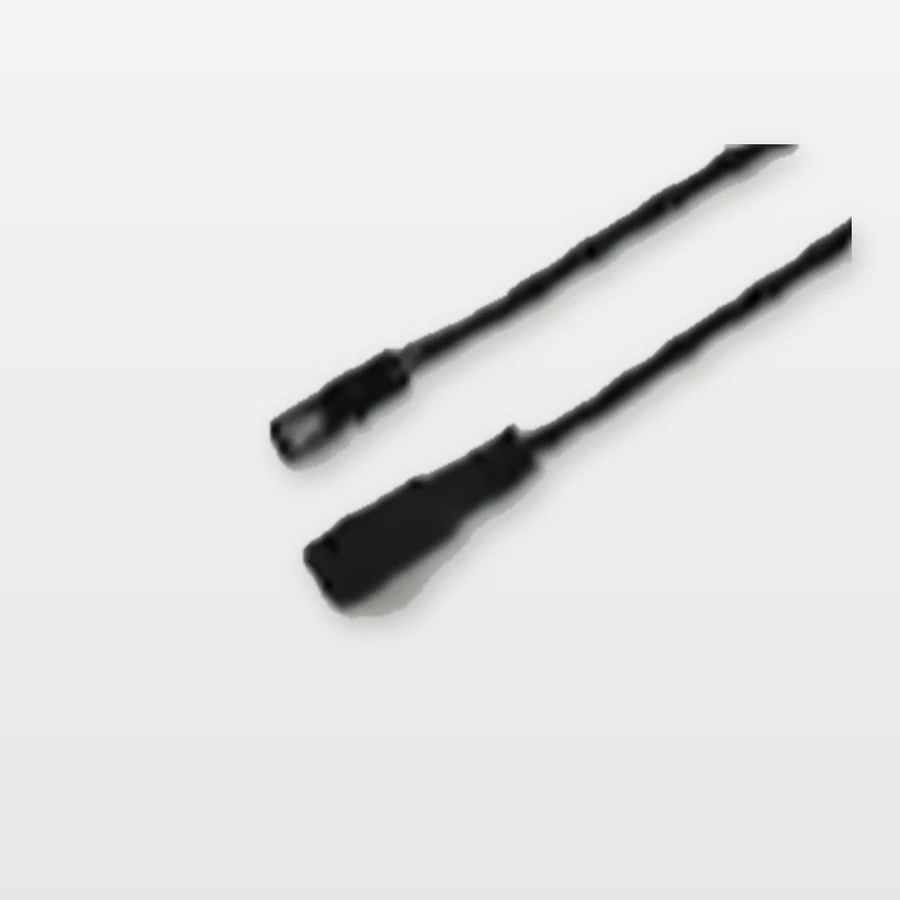
2 ft Female Lead
Female connector to power adapter, 2 ft.
Wiring Examples



Five Steps
- Plan the zones. One controller per cabinet or group of lights; add up the wattage of the lights on each controller.
- Prepare the lights. Solder each LED strip or fixture to a 2 ft pigtail: red to +, black to −.
- Mount the controls. Fit door sensors in the frame facing the door, touch and wave switches where they are easy to reach, and motion sensors with a clear view.
- Connect. Plug light → controller → (extension) → splitter → adapter. Connectors only fit one way.
- Power up and test. Plug the adapter into a 120 VAC outlet and check each zone.
- Max load per controller: 60 W at 24 V, 36 W at 12 V.
- Adapter capacity: the total of all lights on one DT-DS-ADPT-3PIN-MALE must not exceed 72 W (24 V × 3 A). Allow about 20% headroom: about 58 W.
- Match voltage: use 24 V lights with the 24 V adapter.
- Low voltage: Class 2 adapter; all controller and light wiring is low voltage. Plug into a standard 120 VAC outlet only.
- Dry locations: controllers and connectors are for indoor, dry cabinet interiors.
Choosing a Controller
| Application | Controller | Part Number |
|---|---|---|
| Cabinet with a single door | Single Door | DT-DS-SINGLE |
| Double-door cabinet or wardrobe | Dual Door | DT-DS-DUAL |
| Open shelving, display or bar | Touch Dimmer | DT-DS-TOUCH |
| Kitchen or vanity, hands-free | Hand Wave | DT-DS-WAVE |
| Closet, pantry or walk-in | Motion | DT-DS-MOTION |
Specifications
Specifications from the DayTech LED cut sheet. Subject to change without notice.
| Part Number | Voltage | IP Rating | Colour | Length / Size | Power | Quote |
|---|---|---|---|---|---|---|
| DT-DS-SINGLE | 120 VAC outlet → 24V 3A adapter | IP20 | Adapter 72 W; 60 W @ 24V / 36 W @ 12V per controller | |||
| DT-DS-DUAL | 120 VAC outlet → 24V 3A adapter | IP20 | Adapter 72 W; 60 W @ 24V / 36 W @ 12V per controller | |||
| DT-DS-TOUCH | 120 VAC outlet → 24V 3A adapter | IP20 | Adapter 72 W; 60 W @ 24V / 36 W @ 12V per controller | |||
| DT-DS-WAVE | 120 VAC outlet → 24V 3A adapter | IP20 | Adapter 72 W; 60 W @ 24V / 36 W @ 12V per controller | |||
| DT-DS-MOTION | 120 VAC outlet → 24V 3A adapter | IP20 | Adapter 72 W; 60 W @ 24V / 36 W @ 12V per controller | |||
| DT-DS-ADPT-3PIN-MALE | 120 VAC outlet → 24V 3A adapter | IP20 | Adapter 72 W; 60 W @ 24V / 36 W @ 12V per controller | |||
| DT-DS-ACC-SPLT-6 | 120 VAC outlet → 24V 3A adapter | IP20 | Adapter 72 W; 60 W @ 24V / 36 W @ 12V per controller | |||
| DT-DS-ACC-EXT-2FT | 120 VAC outlet → 24V 3A adapter | IP20 | Adapter 72 W; 60 W @ 24V / 36 W @ 12V per controller | |||
| DT-DS-ACC-PTAIL-2FT | 120 VAC outlet → 24V 3A adapter | IP20 | Adapter 72 W; 60 W @ 24V / 36 W @ 12V per controller | |||
| DT-DS-ACC-FEMALE-2FT | 120 VAC outlet → 24V 3A adapter | IP20 | Adapter 72 W; 60 W @ 24V / 36 W @ 12V per controller |
Planning a Project with the DT-DS Cabinet Lighting Control System?
Tell us the lengths and layout and we'll quote the tape, channel, connectors and driver for each run.